Convert Office to PDF: Free Tools for Word, PowerPoint, and Excel Documents
The Ultimate Guide to Effortless Document Management: Your Free All-in-One PDF Toolkit
In today’s fast-paced digital landscape, document versatility is not just a luxury; it is a necessity. Whether you are a student submitting an assignment, a business professional sending a contract, or a creative designer building a portfolio, the format of your files matters.
We have all faced the frustration of sending a formatted Word document, only to have the receiver complain that the fonts are missing or the layout is broken.
Enter the Portable Document Format (PDF)—the universal standard for document sharing. However, working with PDFs has traditionally required expensive software, heavy installations, or complex subscriptions.
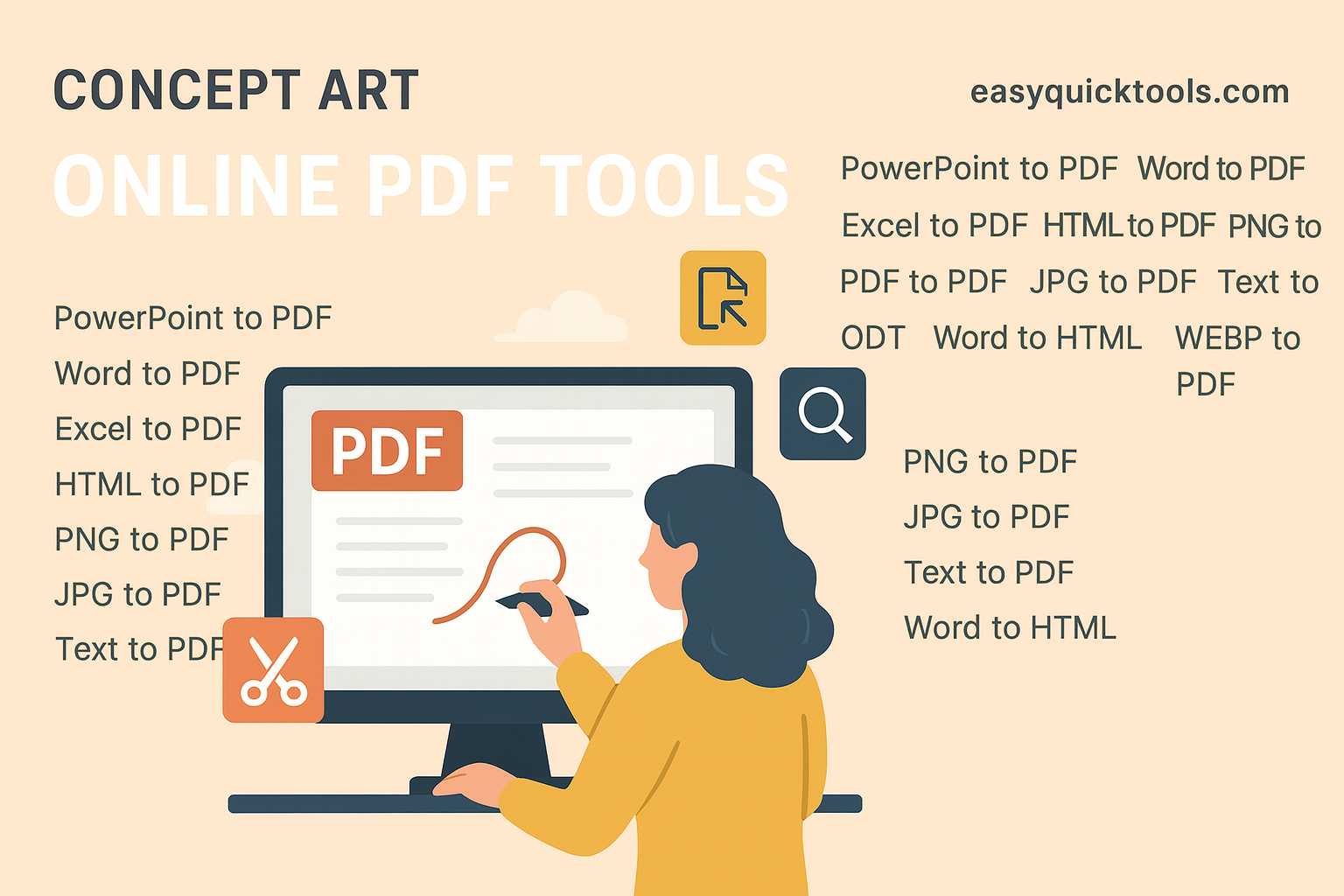
Welcome to EasyQuickTools.com, your new digital headquarters for document conversion. We believe that file management should be accessible, secure, and 100% free. Our platform offers a comprehensive suite of tools designed to easily convert, merge, and edit your documents quickly. From converting classic Office files to handling modern image formats like WEBP, we are here to streamline your workflow.
Here is everything you need to know about our powerful tools and how they can transform the way you work.
Why Choose Our PDF Tools?
Before we dive into the specific tools, it is important to understand the philosophy behind our platform. We built this website with three core pillars in mind: Speed, Simplicity, and Accessibility.
-
100% Free to Use: There are no hidden paywalls, no credit card requirements, and no "freemium" traps. Every tool listed is completely free.
-
No Software Installation: Forget clogging your hard drive with heavy software. Our tools are entirely cloud-based. All you need is an internet connection and a browser (Chrome, Safari, Firefox, or Edge).
-
Privacy First: We understand that your documents are private. Our servers are configured to process your files securely and delete them automatically after a short period. Your data never stays with us; it stays yours.
-
Universal Compatibility: Whether you are on a Windows PC, a MacBook, an Android tablet, or an iPhone, our responsive design ensures you can convert files on the go.
The Office Suite: Professionalizing Your Documents
The backbone of most professional and academic work lies in the Microsoft Office suite. However, sharing editable files is risky—data can be accidentally changed, and formatting often shifts between different versions of Word or Excel.
Word to PDF
This is perhaps the most essential tool in our arsenal. When you convert a Word to PDF, you are "freezing" your document. You ensure that the fonts, margins, and images remain exactly where you placed them, regardless of what device opens the file. This is crucial for resumes, legal contracts, and manuscripts.
Excel to PDF
Spreadsheets are complex. They contain formulas, hidden columns, and specific cell formatting. Sending a raw .xlsx file can be messy if the recipient doesn't have the right software. Our Excel to PDF tool captures your spreadsheet as a clean, printable document, ensuring your data presentation looks professional and is easy to read.
PowerPoint to PDF
Have you ever walked into a presentation only to find the venue’s computer doesn't support your version of PowerPoint? It is a presenter's nightmare. By using our PowerPoint to PDF tool, you create a fail-safe backup. It creates a slide-by-slide PDF version of your deck that can be opened on any device, ensuring your presentation goes on without a hitch. It is also perfect for providing handouts to students or colleagues.
The Image Converter: Organizing Visuals
Images come in various formats, each with its own use case. However, when sharing multiple images or trying to print them, standard image files can be cumbersome. Our platform bridges the gap between graphic design and document management.
JPG and PNG to PDF
JPG is the standard for photography, while PNG is king for transparent graphics. However, emailing 20 separate image files is unprofessional. Our JPG to PDF and PNG to PDF tools allow you to consolidate images into a single, clean document. This is ideal for:
-
Creating digital photo albums.
-
Compiling scanned receipts for expense reports.
-
Submitting design portfolios.
WEBP to PDF
WEBP is a modern web image format known for high quality at low file sizes. However, many legacy image viewers cannot open it. By converting WEBP to PDF, you make these modern web images universally accessible and printable for anyone you share them with.
Niche Formats: Handling Text and Open Source
Not everyone uses Microsoft Word. Many writers, developers, and open-source enthusiasts rely on different formats. We haven’t forgotten about you.
Text (TXT) and RTF to PDF
Sometimes, simplicity is key. .txt files are raw text, and .rtf (Rich Text Format) offers basic formatting. While they are great for drafting, they look unfinished when shared. Converting Text to PDF or RTF to PDF gives your raw drafts a polished, professional appearance suitable for distribution.
ODT to PDF
The OpenDocument Text (ODT) format is the standard for free word processors like LibreOffice and OpenOffice. While excellent tools, ODT files don't always open correctly in Microsoft Word. Converting ODT to PDF bridges the compatibility gap, allowing open-source users to share their work seamlessly with the rest of the corporate world.
Reverse Engineering: Flexibility for Content Creators
While converting to PDF is our specialty, we understand that sometimes you need to go the other direction or switch between editable formats to suit a specific project.
Word to HTML
Are you a blogger or a web developer? Copying text from Word directly into a CMS (like WordPress) often brings along messy, "spaghetti" code that breaks your website's design. Our Word to HTML converter strips away the heavy proprietary code and gives you clean HTML markup that is ready to be pasted directly into your website editor.
HTML to PDF
On the flip side, you might want to save a webpage, a receipt generated in a browser, or an online article for offline reading. Our HTML to PDF tool captures the web content and saves it as a portable document, allowing you to annotate and read it later without an internet connection.
Word to ODT
Collaboration is key in the modern workspace. If you are working with a colleague who uses LibreOffice but you use Word, compatibility issues can arise. Our Word to ODT converter allows you to switch your DOCX files into the OpenDocument format, ensuring you can collaborate freely across different software ecosystems.
How to Use Our Tools: A 3-Step Process
We hate complex user manuals. We designed our interface to be intuitive enough for a first-time user to master in seconds. Here is how quick it is to use any tool on [Your Website Name]:
-
Select Your Tool: Click on the icon for the conversion you need (e.g., "Word to PDF").
-
Upload Your File: Drag and drop your file into the upload box, or click to browse your device. Our technology handles the upload instantly.
-
Convert and Download: Click the convert button. In moments, our powerful servers process the data, and your new file is ready for download.
The Power of "All-in-One"
Why bookmark ten different websites when you can have one? The beauty of [Your Website Name] is the centralization of your workflow.
Imagine you are working on a final year project. You have data in Excel, a report in Word, diagrams in PNG, and research notes in a Text file.
-
Use Excel to PDF to lock in your data.
-
Use Word to PDF for your report text.
-
Use PNG to PDF for your diagrams.
-
Finally, use a Merge tool (also available on our platform) to combine them all into one master document.
You have just saved hours of formatting headaches using one free website.
Start Converting Today
In a world where digital efficiency dictates success, having the right tools at your fingertips is a game-changer. You don’t need to pay for expensive subscriptions or struggle with complicated software to manage your documents professionally.
Whether you are converting a PowerPoint to PDF for a boardroom meeting, changing a Word doc to HTML for your blog, or simply turning a JPG into a PDF for a cleaner email attachment, [Your Website Name] is here to help.
We invite you to bookmark our site and experience the freedom of seamless, free, and fast file conversion. Your documents, your way—perfectly converted every time.
Try it now! Select a tool and transform your files in seconds.